
Kettlebeep
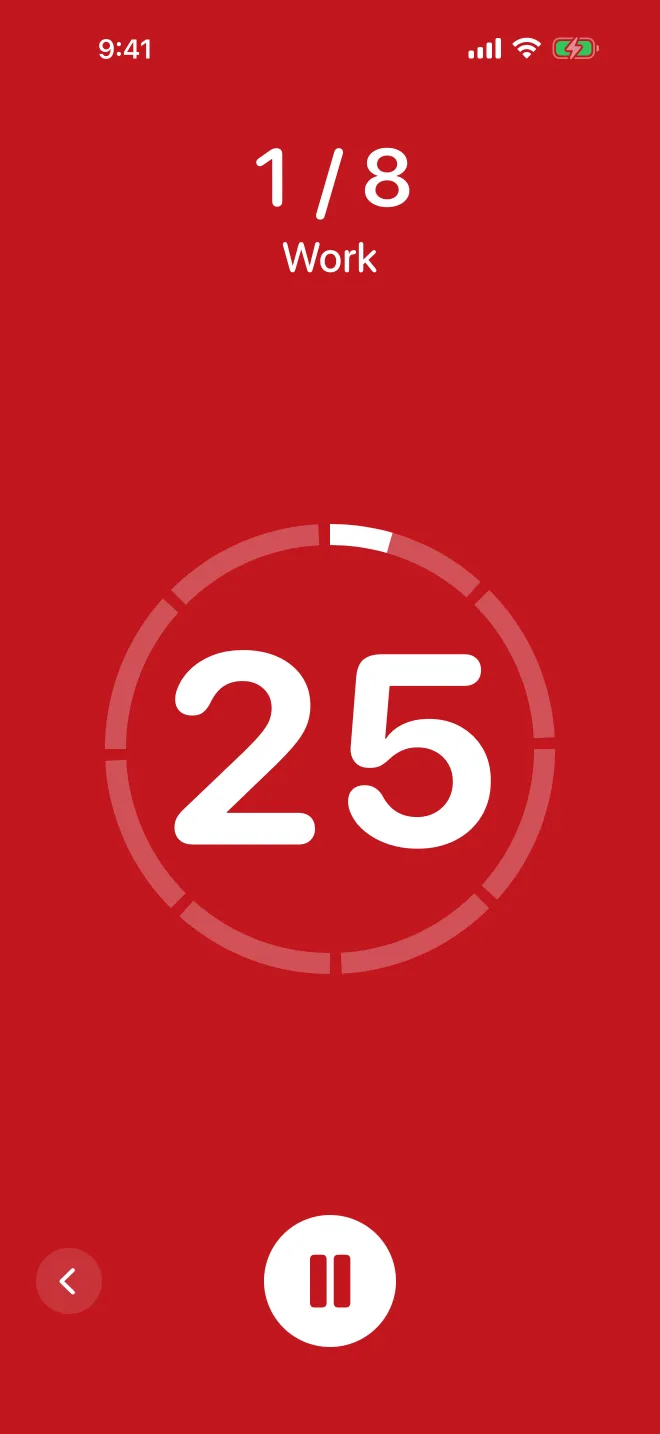
A loud, simple interval timer for the kettlebell. Red means work, blue means rest.

What it does
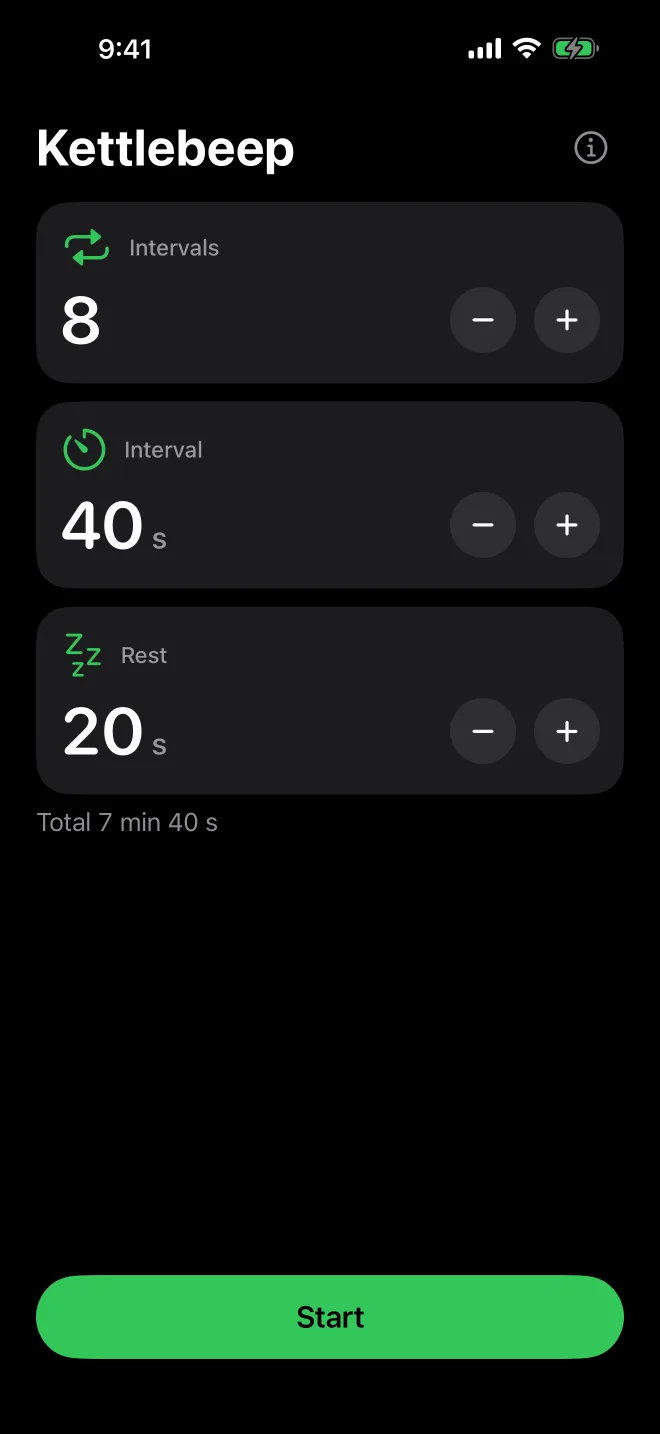
Kettlebeep times intervals for kettlebell and circuit training. Set how many intervals you want, how long each one lasts and how long to rest in between, then press Start. The sounds tell you where you are, so you can keep your eyes on the bell.
The whole screen turns red for work and blue for rest, with a countdown big enough to read from across the room.
- Up to 99 intervals, each from 5 seconds to 10 minutes. Rest is optional (up to 5 minutes) and off by default.
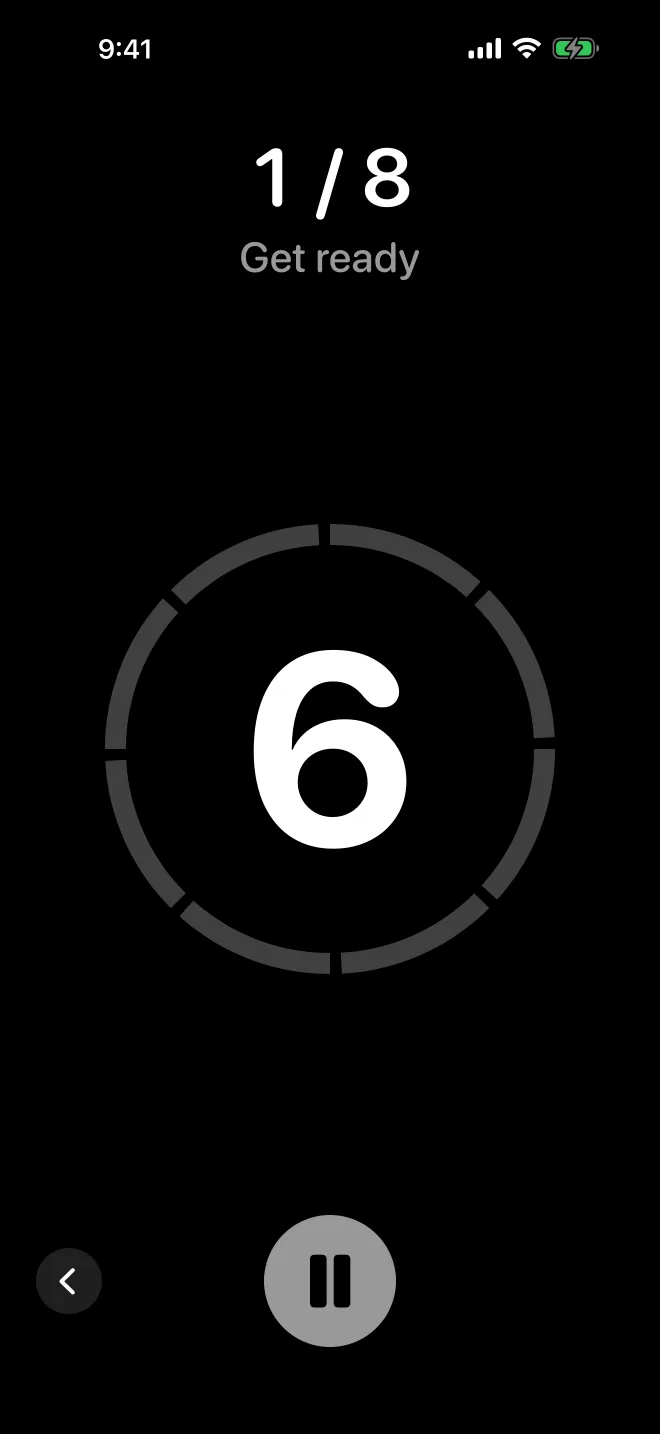
- A 10-second countdown before the first interval, and three short ticks before every change.
- A high double beep when work starts and a low one when rest starts. A short fanfare when you are done.
- The beeps play over your music without stopping it.
- A pause button. A phone call pauses the workout for you.
- The screen stays on during a workout.
It remembers your last setup, so the next session is one tap away. It has no account, no network access and nothing to sign up for.
Support
Write to support@internet1.cz. Tell us your iPhone or iPad model and iOS version, and what happened. We answer within one working day.
Known limitations
- Keep Kettlebeep open during a workout. If you lock the screen or switch to another app, the sounds stop. The clock keeps running, and when you come back the workout is where it should be.
- Kettlebeep needs iOS 17 or later on iPhone, and iPadOS 17 or later on iPad.
- The app keeps one setup, the last one you used.
Privacy
Kettlebeep sends nothing anywhere. Read the Kettlebeep privacy policy.